
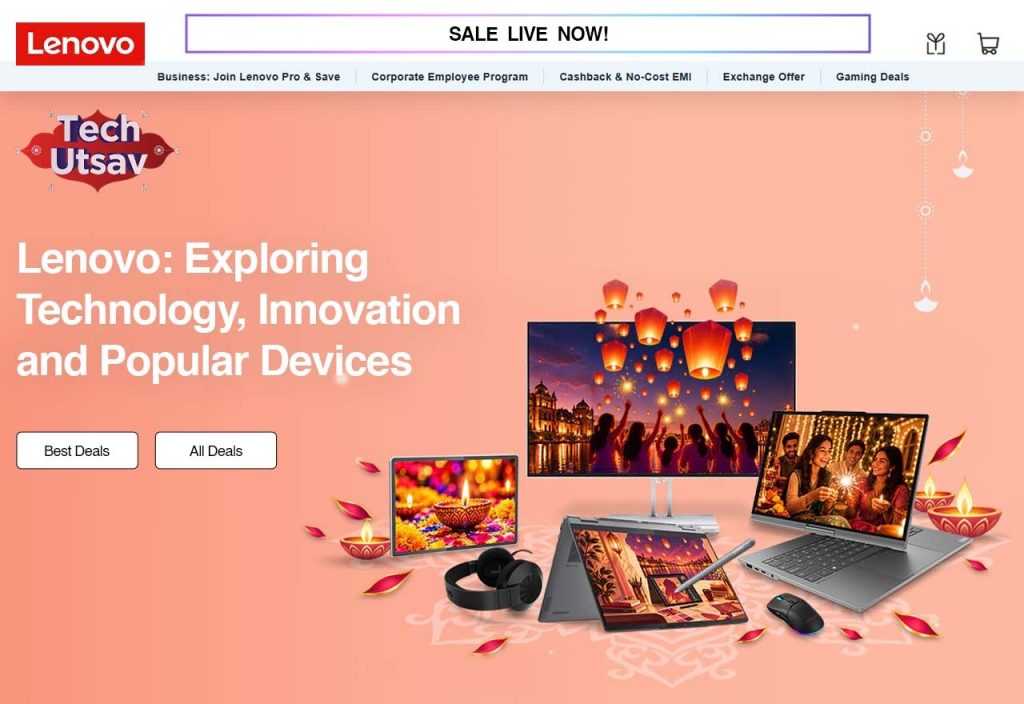
Most of us don't think much about our laptop until it starts annoying us. It's slow, the battery dies by lunch, or the screen is too dim to use near a window. That's usually when people start looking for a new one, and Lenovo tends to come up pretty quickly. It makes everyday laptops, workstations, gaming computers and a long list of accessories. What makes it interesting is how much it tries to cover: speed, looks, portability, and now AI features too.
How Lenovo Has Evolved in the Technology Industry
Lenovo started out making computers and grew into a global tech company. People still mostly know it for PCs, but it also sells tablets, smartphones, servers and infrastructure products. Over the years it has built things for regular buyers, big companies, schools and colleges, and working professionals. You can see how people's habits changed in its product lines.
Remote work, online classes, gaming and AI tools all shaped what it makes now. So when you look at Lenovo's technology today, it spans a lot of territory. The gist of most of it is simple: Build good-performing devices that are easily obtainable for all.
Key Technologies That Define Lenovo Devices
The spec sheet only tells you part of the story. Day to day, what you actually notice is the screen, the battery, how heavy the laptop feels in your bag, and whether the software runs smoothly.
- Performance and Processing Technology
Speed doesn't come from one part. The processor, memory and storage all work together. Lenovo laptops come in plenty of combinations, so there's something for light daily use and something for heavier work.
If you always have a pile of tabs open, edit videos, or run professional software, look at the processor and RAM first. A fast SSD also makes a big difference. The laptop starts up quicker and apps open without that irritating pause.
- Display and Visual Experience
You'll stare at this screen for hours, so it deserves some attention. Depending on the model, Lenovo devices differ in screen type, resolution, brightness and refresh rate.
Some have OLED displays, others have IPS panels. Gamers usually want a higher refresh rate because motion looks smoother. Designers and content creators care more about colour accuracy and resolution.
- Battery Life and Portable Design
Nobody enjoys looking for a power socket every couple of hours, especially while travelling or working away from a desk. Lenovo's portable laptops come in different sizes, and some are light enough that you'll hardly notice them in your bag.
Battery life depends on the model, what's inside it, how bright your screen is and what you're doing. I'd always read independent reviews next to the manufacturer's numbers. They give you a more honest picture.
- AI-Powered Computing Features
AI is turning into a normal part of everyday computing. Lenovo's AI technology covers AI-enabled PCs and devices built for smart features, productivity, teamwork and creative work.
Depending on the model, you might get AI help with communication, image editing, voice tools and system tuning. Some of these features need dedicated hardware, such as an NPU (Neural Processing Unit), so not every laptop will have them.
Popular Lenovo Product Families Worth Exploring
The range feels a lot less confusing once you know what each family is meant for.
- ThinkPad: Made for business users. It helps you get work done and has good security.
- IdeaPad: Good for everyday things like studying, browsing and watching shows.
- Yoga: Layouts are flexible. Many are foldable or flippable for dual usage.
- Legion: Made for gaming, with strong graphics and good cooling.
- LOQ: Also for gaming. A good pick if you want a gaming laptop without paying for the top models.
- ThinkBook: For business users who want work features and a modern look.
Knowing these Lenovo product features helps a lot. You can cut your shortlist down before you start comparing individual models.
Lenovo for Different Types of User
Everybody uses a computer a bit differently. A student doesn't need the same machine as a professional video editor or a competitive gamer.
- Best for Students and Those Studying
For students, a serious laptop can be used for research, assignments, presentations and online classes but also have a little downtime. A laptop that's lightweight and has sufficient memory and a decent battery and comfortable keyboard is fine.
- For Business Professionals
If your day is full of meetings, spreadsheets and presentations, you just want a laptop that works without any fuss. Lenovo's business range is made for office work, with good security and the tools professionals need.
- For Gaming Enthusiasts
A strong processor alone doesn't make a good gaming laptop. Graphics, cooling, refresh rate and memory all matter. These machines are also useful if you run heavy apps or edit videos on the side.
- For Content Creators
If you edit video, design or shoot photos for work, look closely at processing power, graphics, memory and the display. The right setup makes demanding creative work smoother and quicker.
Lenovo Software, Support and Customer Experience
The hardware is only part of owning a laptop. Once you've bought it, you'll care about software, updates, troubleshooting and support too. Lenovo includes utilities and support software so you can manage your device. For example, Lenovo Vantage provides system updates, device information, and hardware settings and other management options depending on the device.
You can also access product manuals, troubleshooting guides, drivers, warranty information, and technical support on our official support site. These Lenovo accessories and support options will help you take better care of your device and create a more comfortable work space.
Things to Consider Before Choosing a Lenovo Device
Before you buy, think about how you'll really use the computer. A few quick checks can save you from paying for features you'll never touch.
- Processor: Pick one that matches your daily workload.
- RAM: Make sure there's enough for multitasking and heavy apps.
- Storage: An SSD is usually the better choice for a smooth everyday experience.
- Display: Check the resolution, brightness, panel type and refresh rate.
- Battery: Compare battery capacity and read independent usage reviews.
- Connectivity: See which USB ports, HDMI, Wi-Fi and other connections you get.
- Warranty: Look at the coverage, service options and support conditions.
Final Thoughts
Tech should make your day easier, not harder. Whether you want a portable laptop, a business machine, a gaming PC or something with AI features, Lenovo has a lot to pick from. The best device isn't always the most expensive one. It's the one that fits your work, has the features you actually want and sits inside your budget. So take your time, compare specs, learn how the product families differ, and think about how you'll use the computer before you decide.
FAQs
- What is Lenovo best known for in the technology industry?
Lenovo is best known for its laptops, desktop computers, gaming PCs, tablets, workstations, and business technology solutions. Its ThinkPad, IdeaPad, Yoga, and Legion product families serve different computing needs.
- Which Lenovo laptop series is best for professional use?
The Lenovo ThinkPad series is a popular choice for business professionals because of its productivity-focused features, durable designs, security options, and comfortable keyboards. ThinkBook is another option for modern workplace requirements.
- What is the difference between Lenovo ThinkPad, IdeaPad, and Yoga?
ThinkPad laptops are primarily designed for business users, IdeaPad models focus on everyday computing and entertainment, while Yoga laptops are known for flexible designs, including convertible touchscreen models.
- Does Lenovo manufacture AI-powered laptops?
Yes, Lenovo offers AI-enabled PCs with features designed to support productivity, creative tasks, communication, and intelligent computing. Specific AI capabilities depend on the processor, NPU, operating system, and device configuration.
- Which Lenovo laptops are suitable for gaming?
Lenovo Legion and LOQ laptops are designed for gaming. Depending on the model, they offer dedicated graphics, powerful processors, advanced cooling systems, and high-refresh-rate displays.

