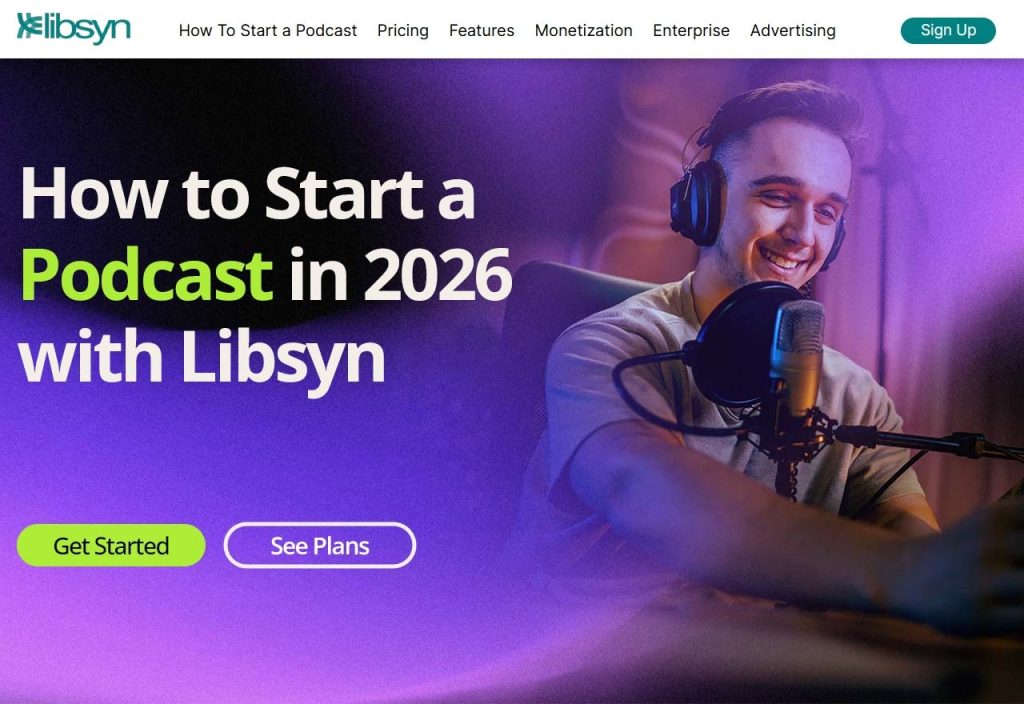
Most people who want to start a podcast never do. They think they need a studio, expensive gear, or some special talent. They don't. What you need is a topic you care about, a microphone, and a place to host your episodes, which is where Libsyn podcast hosting comes in. So let's go through it step by step.
Best steps to start a podcast in 2026
1. Pick a Topic You Won't Get Sick Of
You'll be talking about this subject for a long time, so choose one you'd happily talk about on a bad day. Travel, money, football, books, small business, whatever. If you light up when it comes up at dinner, that's a good sign.
Then go listen to what's already out there. You're not copying anyone. You're looking for what's missing, because that's where your show fits. As for format, solo is the easiest start. Interviews are more fun but need booking and chasing guests. A co-host splits the work and keeps the energy up. Pick whichever you'd actually stick with.
2. Gather Your Recording Gear
Don't overthink this. A decent USB microphone, a pair of headphones, and free software like Audacity will get you going. Record thirty seconds of nonsense and play it back. Can you hear a fan? An echo? Your neighbor's dog? A room with curtains, a rug, and a sofa sounds far better than a bare one. Some people even record in a wardrobe full of clothes, and it works.
3. Record and Edit Your First Episode
Write down a few bullet points, not a script. Scripts tend to sound like someone reading, because they are. Know how you'll start, what you want to say, and how you'll wrap up.
Your first episode won't be great. That's normal. Record it anyway. When you edit, cut the long silences, the coughs, and the bits where you wandered off. Then listen to the whole thing once before you export it.
4. Choose Libsyn as Your Podcast Host
A podcast host stores your audio files and creates your RSS feed. Apple Podcasts, Spotify, and other apps use that feed to find your episodes. You can't skip this part. Libsyn has been doing this job for years. You upload your episodes, send your show out to the listening apps, and check how it's doing, all from one account.
Later, if your show takes off, there are monetization options too. Before you pick a plan, check the current pricing on their site. Choose one that suits how often you plan to publish, and remember you can switch as you grow.
5. Publish and Distribute Your Show
Upload your first episode, then add the basics: show name, description, cover art, and an episode title. After that, submit your RSS feed to Apple Podcasts, Spotify, and any other apps you want to be in.
Libsyn's distribution tools are built for this. You do it once, and new episodes usually turn up on their own. Read your title and description again before you hit submit. If you can't tell what the show is about, neither can a stranger.
6. Tell People It Exists
Nobody will find your podcast by accident. You have to tell them. Post each episode on social media. Send it to friends who'd care about the topic. Clip a thirty-second highlight and share that too. Write a show note that tells people what's in the episode, so they know whether it's for them.
And ask. Ask listeners to subscribe, to pass along an episode they liked, to tell you what they want next. Most won't think of it unless you say it. Keep an eye on your numbers, too. Libsyn's podcast analytics can show you which episodes people actually listen to, which beats guessing.
7. Make Money From Your Podcast (Eventually)
Don't expect income in month one. It comes later, if at all, and that's okay. When the time comes, the usual options are sponsors, ads, affiliate links, paid memberships, and bonus episodes. You don't need a giant audience.
A small group of loyal listeners can be worth more to the right brand than a big, distracted one.When you're ready, look at Libsyn's monetization options and see what your plan covers. Terms change, so read the current details first.
About Libsyn
Libsyn, short for Liberated Syndication, is a podcast hosting company that's been around the industry for a long time. Podcasters use it to store audio, publish episodes, and get their shows onto the apps people listen on.
In practice, that covers four things:
- Hosting: your audio files and RSS feed live here.
- Distribution: your show goes out to Apple Podcasts, Spotify, and more.
- Analytics: you can see how your episodes are doing.
- Monetization: you can look into earning from your show as it grows.
It suits beginners who want a simple start, and it suits people with bigger plans too. You can see the current plans and prices on the Libsyn website.
Final Thoughts
Starting a podcast is mostly about starting. Choose a topic, record something, fix what bothers you, and do it again. A reliable host like Libsyn takes care of the technical side so you can focus on talking. Your first episode won't be perfect, and nobody expects it to be. Put it out anyway.
Frequently Asked Questions
- How do I start a podcast as a beginner?
Pick a topic and format, get basic gear, record and edit an episode, sign up with a host like Libsyn, then publish and promote.
- How much does it cost to start a podcast?
It depends on your gear, software, and hosting plan. Plenty of people start cheap and upgrade later.
- Why do I need podcast hosting?
A host stores your audio and gives you the RSS feed that podcast apps read. Libsyn also offers distribution and stats.
- Is Libsyn good for beginners?
It can be, especially if you want hosting, distribution, and analytics in one place. Check the current plans to see what fits.
- How often should I publish?
Whatever you can keep up. Weekly works, and so does every two weeks.